ReNoteSearch workflows
How to study from connected notes
Connect lecture concepts, preserve your source, and turn review into a question you can answer. A study workflow you can try with one lecture.
Start with your course, not an empty system
Choose a lecture you have already attended. Write a short summary in your own words and keep a link or reference to the course material. For a photosynthesis lecture, write the question: how does light energy become stored chemical energy? Keep course-specific definitions close to their source. Do not upload or publicly share materials you do not have permission to distribute.
Turn a confusing phrase into a question
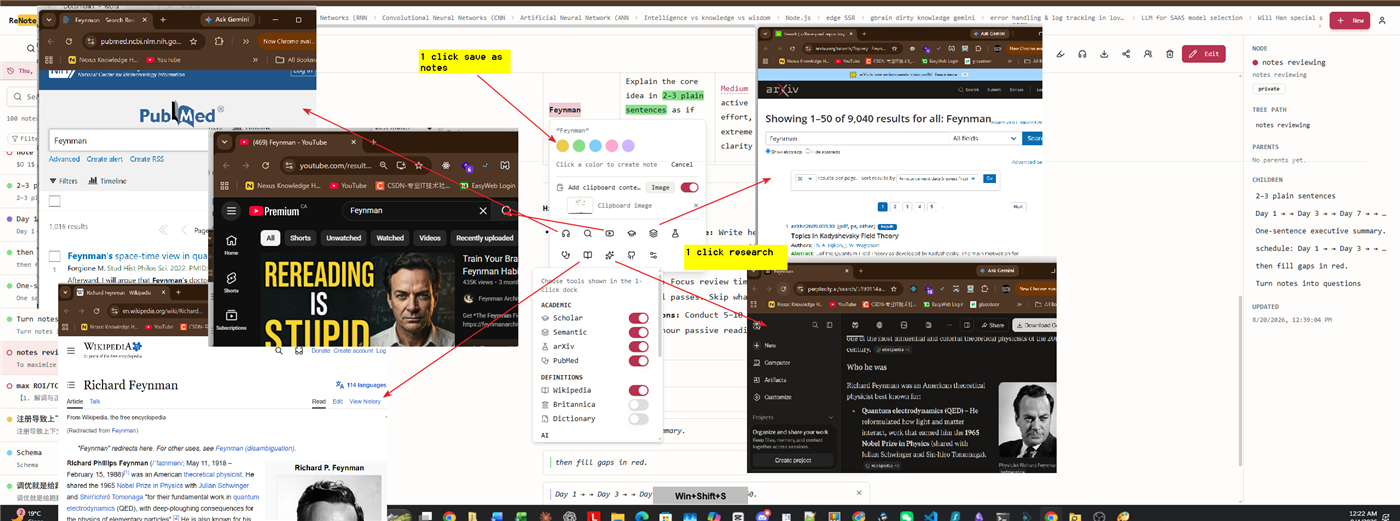
Highlight chlorophyll and capture a note about its role. Open the resulting note and write what you understand so far, including what remains unclear. Add a separate note for light absorption if that distinction helps you. When those titles appear in your notes, automatic links help you move between them. Give different concepts distinct titles so a convenient link does not hide an important difference.
Use the connections to explain a mechanism
Follow a link, read the explanation, then use the navigation trail to return to the lecture. Write a sentence connecting the two ideas. Check the sentence against your textbook or course source. If you use an AI explainer, treat it as a draft explanation and verify it. A connected note is useful when it improves your reasoning, not simply because it contains many links.
Review with a question before rereading
Revisit the lecture using the calendar or search. Before opening the details, answer a course question from memory or solve a practice problem. Then check your notes and revise the explanation you missed. The calendar marks days 1, 3, 7, 21, and 60 back as reminders; you choose the content and the review task. It does not grade your recall or automatically schedule flashcards.
Know what the workspace cannot promise
Keeping study notes connected can make them easier to navigate, but it cannot guarantee grades, understanding, or retention. Course practice and feedback still matter. Try this with one lecture before moving an entire semester of notes. Your first useful result is being able to explain one previously confusing concept and find its source again.
Try it: connect a biology lecture to a concept you can explain
- Save your own lecture summary about photosynthesis, with a link to the course source.
- Highlight chlorophyll and capture what you do not yet understand.
- Expand that concept in its own note and connect it to light absorption and the original lecture.
- Return along the navigation trail and explain how the concepts fit together.
- Use the calendar to revisit your notes. Test yourself with a course question before rereading.